
Last updated: June 2026. Performance data based on Eden v3.0.0 with firmware 22.0, tested on Retroid Pocket 6 (Snapdragon 8 Gen 2, 12GB RAM). All game backups made from personally owned cartridges. This guide assumes legally obtained firmware and keys from your own Nintendo Switch hardware.
Metroid Prime 4: Beyond on Android — The Good News
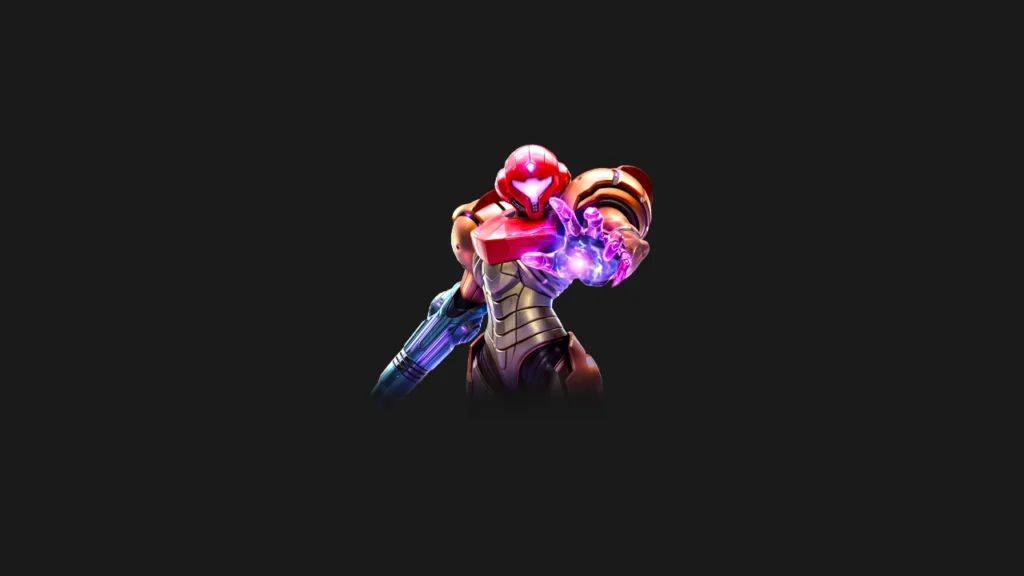
Metroid Prime 4: Beyond — one of the most anticipated Nintendo Switch games, finally released after years of development — is now in good shape on Android emulation following a significant fix in Eden’s January 2026 v0.1.0 update. Previous Eden builds had graphical glitches and rendering issues that made the game difficult to play properly on Android. With v0.1.0 and beyond (including the v3.0.0 current release), those issues have been substantially addressed.
GameSpot describes Metroid Prime 4 as delivering “atmospheric locations, the joy of solitary exploration, and breathtaking action” — and on a well-configured Retroid Pocket 6 with Eden, that experience is genuinely accessible. Here’s exactly how to get the best performance.
Prerequisites
- Eden version: v3.0.0 or later (v0.1.0 minimum — do not use pre-January 2026 builds for this title)
- Firmware: 20.0.1 or newer (22.0 recommended for maximum compatibility)
- Keys: Valid prod.keys and title.keys from your own Nintendo Switch
- Game version: Apply any available updates to your Metroid Prime 4 backup for best stability
- Hardware recommendation: Snapdragon 8 Gen 2 device minimum. Unisoc T820 devices will struggle significantly with this title.
Recommended Eden Settings for Metroid Prime 4
These settings are optimized for the Retroid Pocket 6 (Snapdragon 8 Gen 2, 12GB RAM). Adjust downward if on lower-spec hardware.
- GPU API: Vulkan (mandatory — OpenGL will perform significantly worse)
- Resolution Scaling: 1x (720p native). Metroid Prime 4 is visually demanding; pushing to 1.5x or 2x will reduce framerates significantly on most areas.
- GPU Accuracy: Normal. High GPU accuracy introduces significant performance overhead without a meaningful visual benefit for this title.
- ASTC Recompression: Enabled. Metroid Prime 4 uses heavy ASTC textures; this setting prevents memory-related crashes on devices with less than 16GB RAM.
- Async Shader Building: Enabled. Metroid Prime 4 has a substantial shader set — async compilation reduces freezes at the cost of occasional brief visual artifacts during first-run compilation.
- Decode ASTC Textures Asynchronously: Enabled.
- Use Reactive Flushing: Enabled.
- 120Hz Interpolation: Disabled for this title. Metroid Prime 4’s fast camera movement during combat makes interpolation artifacts more visible than on slower-paced games. The performance overhead is also not justified for a title targeting 30fps.
- Speed Hack: Disabled. Can cause issues with the game’s physics and collision detection.
- Vulkan Workers: Set to 3 or 4 on Snapdragon 8 Gen 2 (the anniversary update added this control). More workers allow better parallel shader compilation.
Performance by Area: What to Expect
Metroid Prime 4: Beyond targets 30fps on original Switch 1 hardware in most scenarios. On Eden v3.0.0 with Snapdragon 8 Gen 2:
Space Station environments (linear corridors): Consistent 30fps, occasionally hitting 40fps in simpler sections. These look excellent at native resolution and are the showcase of how good the emulation experience can be.
Open alien world areas (Metroid Prime 4 features more open areas than Prime 1–3): 25–32fps. The game’s more open environments are more demanding. Performance here matches or slightly exceeds original Switch 1 hardware performance.
Combat sequences with multiple enemies and effects: 22–30fps. Particle effects and enemy AI contribute to framerate variation during heavy combat. This is the most demanding scenario.
Boss battles: 25–35fps depending on the boss’s visual complexity. Most boss encounters are playable. The most visually elaborate final-act bosses are the most demanding.
Shader Compilation: Plan for This
Metroid Prime 4 has a substantial shader set due to its diverse environments spanning space stations, alien worlds, and underwater areas. First-run shader compilation will cause stuttering throughout your first 60–90 minutes of play.
Recommended approach for initial play: start the game and play through the opening space station section slowly, letting the environment load fully before proceeding. Move into each new area type gradually rather than rushing — this builds the shader cache more comprehensively before you’re in demanding gameplay situations. The second session will be dramatically smoother.
The January 2026 Fix: What Changed
Before Eden v0.1.0 (January 2026), Metroid Prime 4 suffered from significant graphical glitches on Android. The specific nature of the fix involved Vulkan renderer improvements and flickering corrections for Qualcomm chipsets. The Android Authority report covering the v0.1.0 release specifically named Metroid Prime 4 as one of the headline titles receiving targeted fixes. Eden’s v3.0.0 and subsequent builds continue this improved state.
If you attempted Metroid Prime 4 on an older Eden build and had a poor experience, it’s worth trying again with current builds — the improvement is significant.
Hardware Requirements: Be Realistic
Metroid Prime 4: Beyond is a demanding Switch title. Here’s an honest assessment by hardware tier:
Snapdragon 8 Gen 2 (Retroid Pocket 6, Ayn Odin 2 Portal Pro): The recommended minimum for a good experience. Consistent 25–35fps in most areas. Genuinely playable and enjoyable.
Snapdragon 8 Elite (Ayn Odin 3): In theory, the fastest Android hardware for this title. In mid-2026, driver maturity means real-world results are similar to Snapdragon 8 Gen 2 for this title. Expect improvement by Q4 2026.
Unisoc T820 (Anbernic RG406V): Not recommended for Metroid Prime 4. This title is in the upper tier of Switch emulation demands; the T820 will struggle to maintain playable framerates in most scenarios.
Dimensity 1100 (Retroid Pocket 5): Marginal. Will run but at reduced framerates compared to Snapdragon 8 Gen 2. Playable in simpler areas, frustrating in demanding ones.
Is It Worth Playing on Android?
Yes — with appropriate expectations. GameSpot notes that “any issues in Metroid Prime 4 are quickly forgotten once the classic formula kicks in.” The atmospheric exploration, tight controls, and rewarding gameplay loop translate well to the handheld emulation format. Playing in handheld mode on a 5.5-inch AMOLED at 120Hz — even with a 30fps game — produces a premium-feeling experience.
The 25–35fps performance in most areas is consistent with how demanding Switch games play on mid-tier hardware generally. It doesn’t feel like a broken experience; it feels like playing a demanding game on hardware that’s working hard to run it. For Metroid fans who own the game legally and want to play it on a handheld Android device, Eden in 2026 makes that a genuine possibility.