Why Cooling Matters for Switch Emulation on Android
Switch emulation is one of the most thermally demanding tasks you can run on an Android handheld. The Snapdragon 8 Gen 2 and similar high-performance mobile chips throttle their clock speeds when they exceed thermal limits — causing framerates to drop after 30-60 minutes of intensive gaming. An active cooler dissipates heat faster, allowing the chip to maintain higher clock speeds throughout your entire gaming session. The framerate difference between throttled and non-throttled performance can be 20-35% in demanding Switch titles.
Top Cooling Accessories
Retroid Cooling Clip — Best for Retroid Devices
Designed specifically for Retroid Pocket devices, this clip attaches to the back of the handheld without adhesives. The miniature fan draws heat away from the processor area, keeping SoC temperatures 8-12 degrees C lower than passive cooling alone. USB-C powered, compatible with RP5 and RP6. Practical result: sustained performance in long Zelda sessions without the framerate dips that thermal throttling causes.
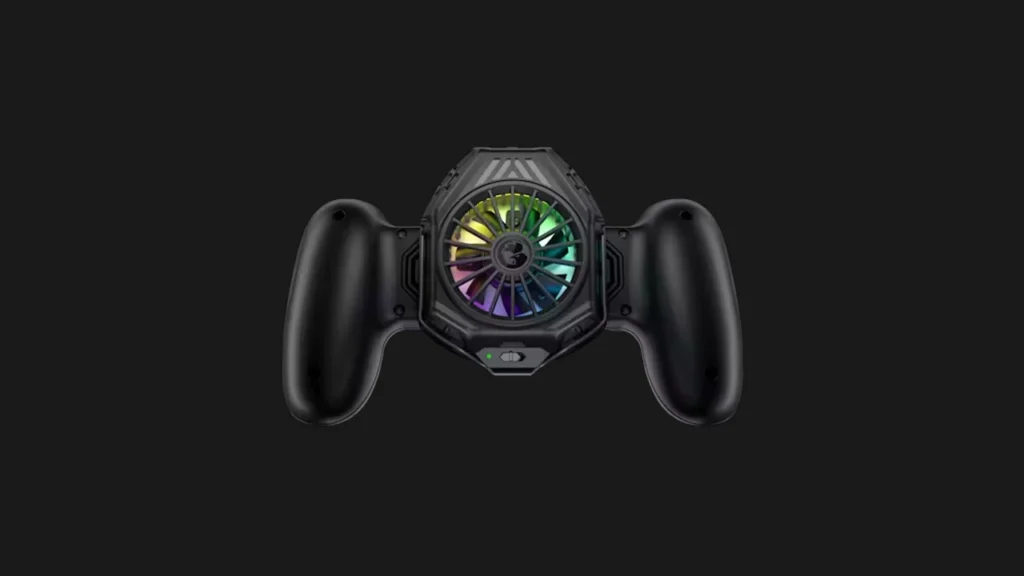
GameSir Cooling Fan Grip — Universal Option
A universal solution that attaches to the back of most Android handhelds. Features a variable-speed fan with three settings: quiet (minimal cooling, silent), balanced (recommended), and maximum (aggressive, audible). Minimal USB-C power draw. Compatible with Retroid Pocket, Anbernic RG406 series, and most handhelds with a flat back surface.
DIY Cooling Solutions
Many experienced users point a small USB-A desk fan at the back of the handheld. Effective, costs $8. A rechargeable mini fan (JISULIFE or similar) runs 4-6 hours on internal battery — useful for cord-free sessions.
Temperature Monitoring
CPU-Z or AIDA64 for Android displays real-time SoC temperatures. Ideal range for Snapdragon 8 Gen 2 during Switch emulation: 55-75 degrees C. At 85 degrees C+, throttling begins. At 90 degrees C+, framerate drops become significant. Monitor during first few gaming sessions to understand your device’s thermal baseline.